Before You Buy Anything, Try AI Room Design Free From Photo on Your Worst Corner
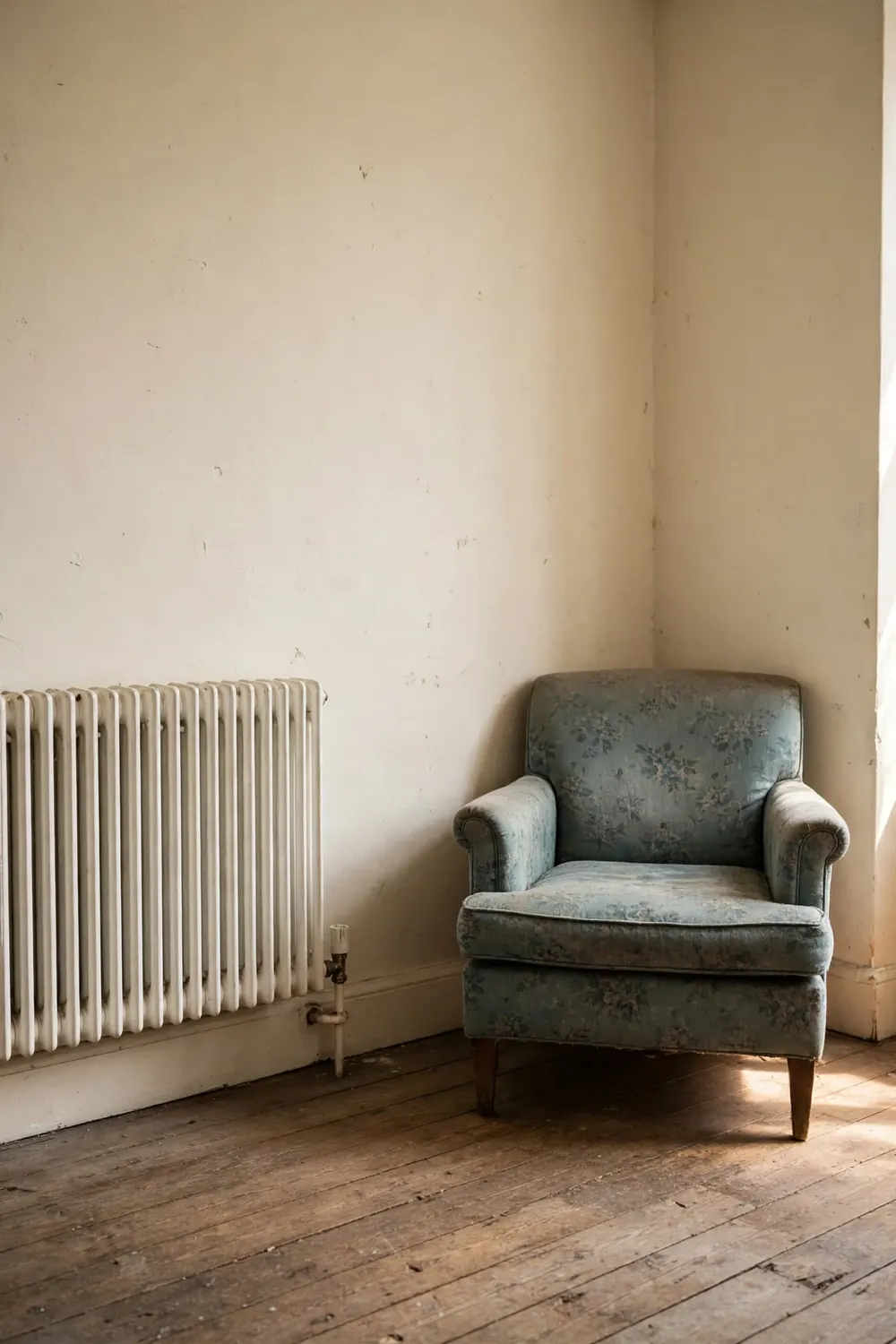
Every living room seems to grow one. A dead corner with a radiator, one chair that matches nothing else in the house, and a bare wall above it. Too small for the furniture you own and too visible to ignore, it becomes the place where things get parked and forgotten.
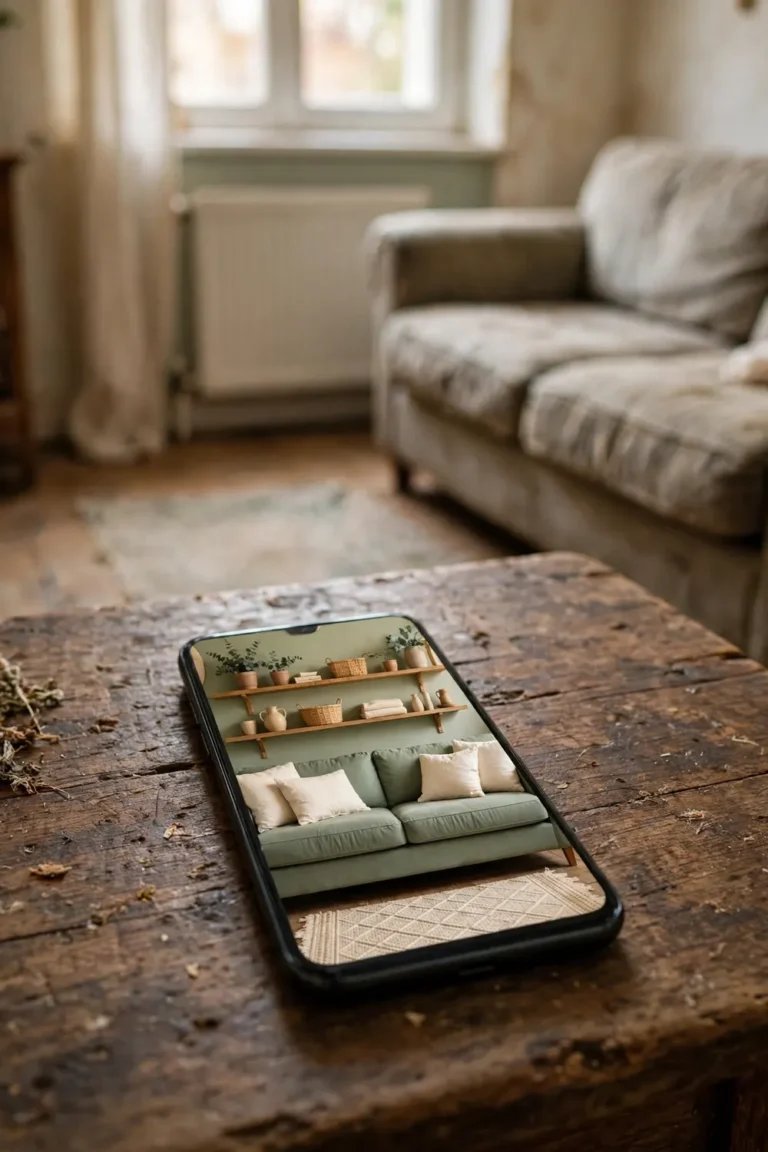
Redecorating advice rarely helps, because it usually starts with buying something. The free AI route starts with a photograph instead. Upload a picture of the corner as it is, and the tool hands back the same corner wearing new furniture, new colours, and a layout you had not thought of. That is the hope behind every search for ai room design free from photo: show me my own room, changed, before I spend a single dollar. This guide runs one awkward corner through five free routes and judges each on the direction it gives, what its free tier really allows, and whether any of it can be bought cheaply. No staged screenshots, and no pretending a render is a finished room.
Key Takeaways
- Spacely AI is the strongest free starting point. Two separate roundups rate its free tier the most generous of the photo based tools, and its free results carry no watermark.
- RoomGPT is the fast inspiration route. RoomsGPT works even as a guest, but its free downloads are watermarked and its free plan runs ads.
- ChatGPT and Gemini are already on your phone, and they are the only routes here that can talk through a result and turn it into a shopping list in words.
- A render is a direction, not a plan. The furniture may not exist to buy, the scale is unreliable, and tools quietly move windows and delete radiators.
- Compare directions, not products: a layout idea, a colour palette, one furniture swap. Then shop your home and the thrift stores against that short list.
The Short Answer: Which Free Tool Should You Start With?
What is the best free AI room design tool that works from a photo? On current reporting, Spacely AI. Autonomous and MeltFlex both rate its free tier the most generous of the tools that restyle a room photo, with free credits to spend and no watermark on the free results, so the image you get is clean enough to save and share. RoomGPT is quicker for a burst of style directions, and ChatGPT or Gemini are the most flexible, because they can explain a design in words. Which one counts as the best free ai for room design ideas depends on the job: a saveable picture, fast inspiration, or a conversation.
The Test Corner, and What Tested Means Here
The corner used throughout this guide is the classic problem one: a radiator taking up the best wall, a single chair that does not match anything, and no storage at all. Its job is to become a reading and storage corner, in a rented home, with nothing drilled into the walls. If your awkward corner sits in a bedroom or a small apartment, the same test applies with a different job named.
Tested here means something specific. The same corner photo and the same written constraints go to every tool, and each result gets judged on three things only: the direction it offers, the real limits of its free tier, and whether the ideas survive contact with a budget. Tool behaviour is described by function, as the roundups that track these tools report it, because free tiers shift too often for any screenshot to stay true for long.
Step One: Take a Photo the Tools Can Actually Read

The photo does half the work, and a bad one wastes free credits. Four rules cover it:
- Shoot in daylight. Evening lamplight flattens colours, and the tool will design around colours your room does not really have.
- Take two shots. One straight on, one from an angle. Together they give the tool a fair sense of the space.
- Tidy first. The AI restyles whatever it sees, clutter included. A clean base photo returns cleaner ideas.
- Include the edges. Keep the floor and the ceiling line in frame so the proportions of the corner read properly.
One privacy habit: crop out mail and anything with names or addresses before uploading a photo of your home anywhere.
The Wording That Keeps a Render Honest
Wherever a tool offers a text box, and always on the chatbot route, add constraints. Without them, tools default to showroom furniture, fixed shelving, and rooms twice the size of yours. This is the exact wording used for the test corner:
Restyle this corner as a reading and storage corner. Keep the window, the floor, and the radiator exactly where they are. Change only furniture, textiles, lighting, and wall decor. Renter-friendly: nothing fixed to the walls that needs drilling. Furniture should look like budget and secondhand finds, not a showroom. Warm, calm colours.
Every line earns its place. Naming what must stay put fights the tools’ worst habit, quietly rearranging the room itself, and the renter limit plus the secondhand look keep the result inside what a real household can actually do.
Five Free Routes for AI Room Design From a Photo
1. Spacely AI: the best free tier, and the cleanest save
Spacely AI takes a photo upload and restyles the room in it. Its free route runs on credits: Autonomous reports 40 credits on the free tier, and MeltFlex agrees it is the most generous free offer among the photo based tools. The detail that matters most is the watermark, or rather the lack of one. Free results come out clean, which makes Spacely AI the best first try when you want an image worth saving, pinning, or showing a partner to settle an argument about paint.
Watch for: credits are finite. Spend them after the photo and the wording are right, not on your first blurry upload.
2. RoomGPT: the fast inspiration route
RoomGPT also works from a photo upload and restyles the room, and Autonomous describes its free use as generous for quick redesigns. It is the low effort option: upload, pick a style direction, and get a fresh version of the corner fast. Three directions in ten minutes tells you more about your own taste than an hour of scrolling other people’s rooms.
Watch for: speed over control. Treat what comes back as sparks for your own ideas, not as instructions.
3. RoomsGPT: free every day, with a watermark catch
RoomsGPT offers free use with daily limits, and it is the closest this category gets to ai room design free, no sign up required: AISmartDecor reports 3 designs a day as a guest, or 4 a day with a free account. A daily allowance suits slow decorating, one corner at a time. The catches are real, though. Free downloads carry a watermark, and the free plan shows ads.
Watch for: fine for ideas you will act on yourself, frustrating if you want a clean image to keep or share.
4. REimagineHome: a trial, so spend it deliberately
REimagineHome belongs in this list with an honest label: it is a trial, not a free plan. AISmartDecor reports 5 free designs with no card required, and then the trial ends. Remodel AI works the same way, a short trial of 3 free designs per AISmartDecor, with HD and watermark free downloads behind payment. A trial is still useful spent on purpose, once you like a direction and want one more style idea before deciding.
Watch for: do not burn trial designs on test photos. The count does not refill.
5. ChatGPT or Gemini: the free app already on your phone
The most flexible route is the ai room design free app most people already have. ChatGPT and Gemini can both restyle an uploaded room photo, and they do one thing none of the dedicated tools do: they talk. Ask for a renter friendly version and the built ins disappear. Ask what to buy first and you get priorities in plain words. That conversation is where a pretty render turns into a plan a budget can follow.
Watch for: their free limits change often, and neither keeps a tidy room by room project history, so save the versions you like yourself.
All five work from an uploaded photo. The differences that matter are these:
| Tool | Free route | Watermark on free results | Best for |
|---|---|---|---|
| Spacely AI | Free credits, 40 reported by Autonomous | None reported | A clean image worth saving |
| RoomGPT | Generous free redesigns | Not flagged in roundups; check on the day | Fast style inspiration |
| RoomsGPT | 3 designs a day as a guest, 4 with a free account | Yes, on free downloads | A daily habit, ideas only |
| REimagineHome | Trial of 5 free designs, no card | Trial terms apply | One extra direction before deciding |
| ChatGPT or Gemini | Free tiers, limits change often | No | Talking the design into a plan |
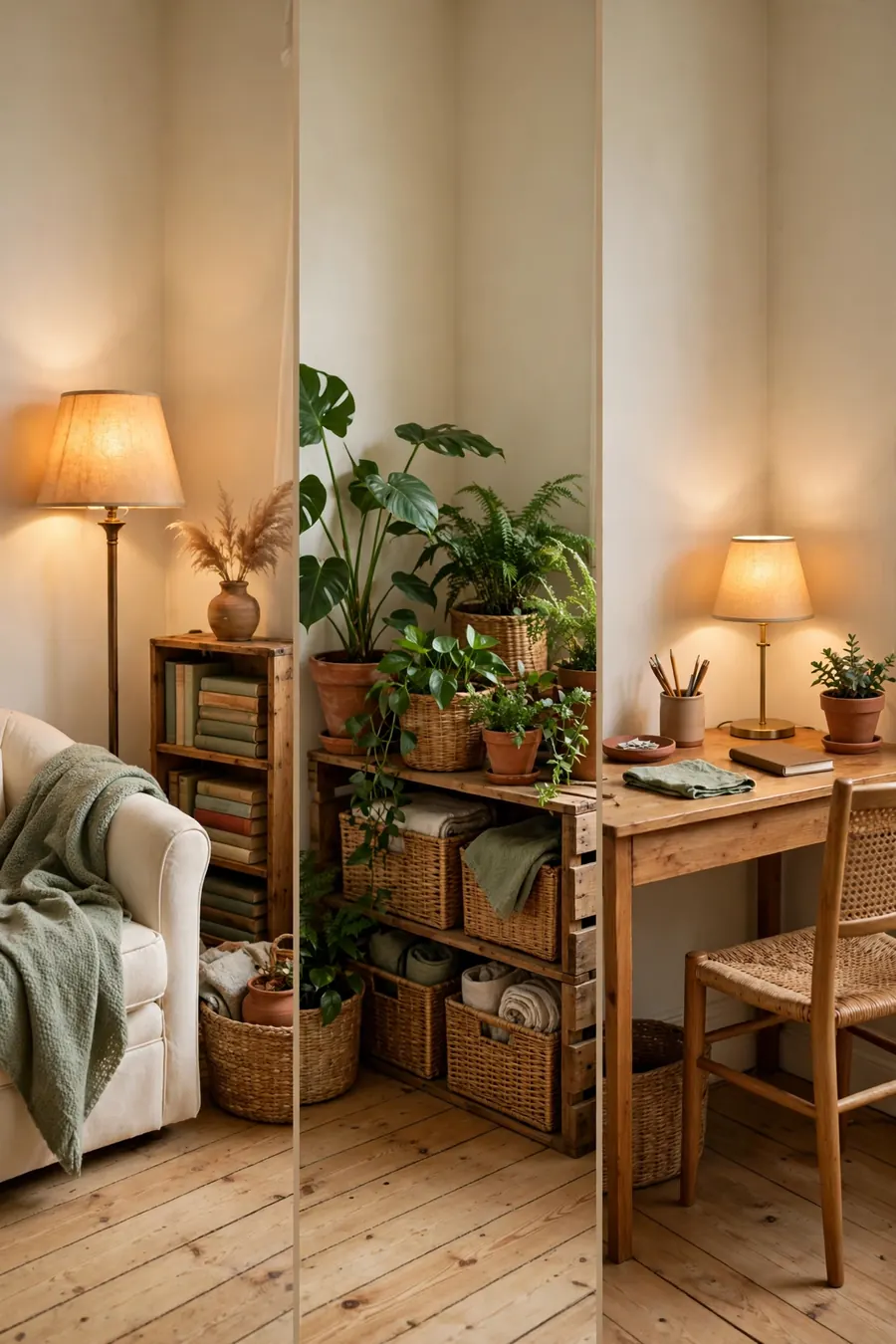
Free, But Not From a Photo: Three Names Worth Knowing
Three well known names are missing from the five, and the reasons are the trust building part of this guide. Homestyler is genuinely free, with a Basic plan that AISmartDecor and Autonomous describe as allowing unlimited 1K renders, but you build the room in 3D from a furniture library. Nothing starts from your photo. Planner 5D is similar: a free plan for floor plans and projects, part of its furniture catalog behind payment, and again no restyling of a real photo. Interior AI is different again. Per Autonomous it is trial only, so calling it free would be wrong. None of these are bad tools. They simply answer a different question than the one this corner is asking.
Turn the Winning Render Into a Shopping List
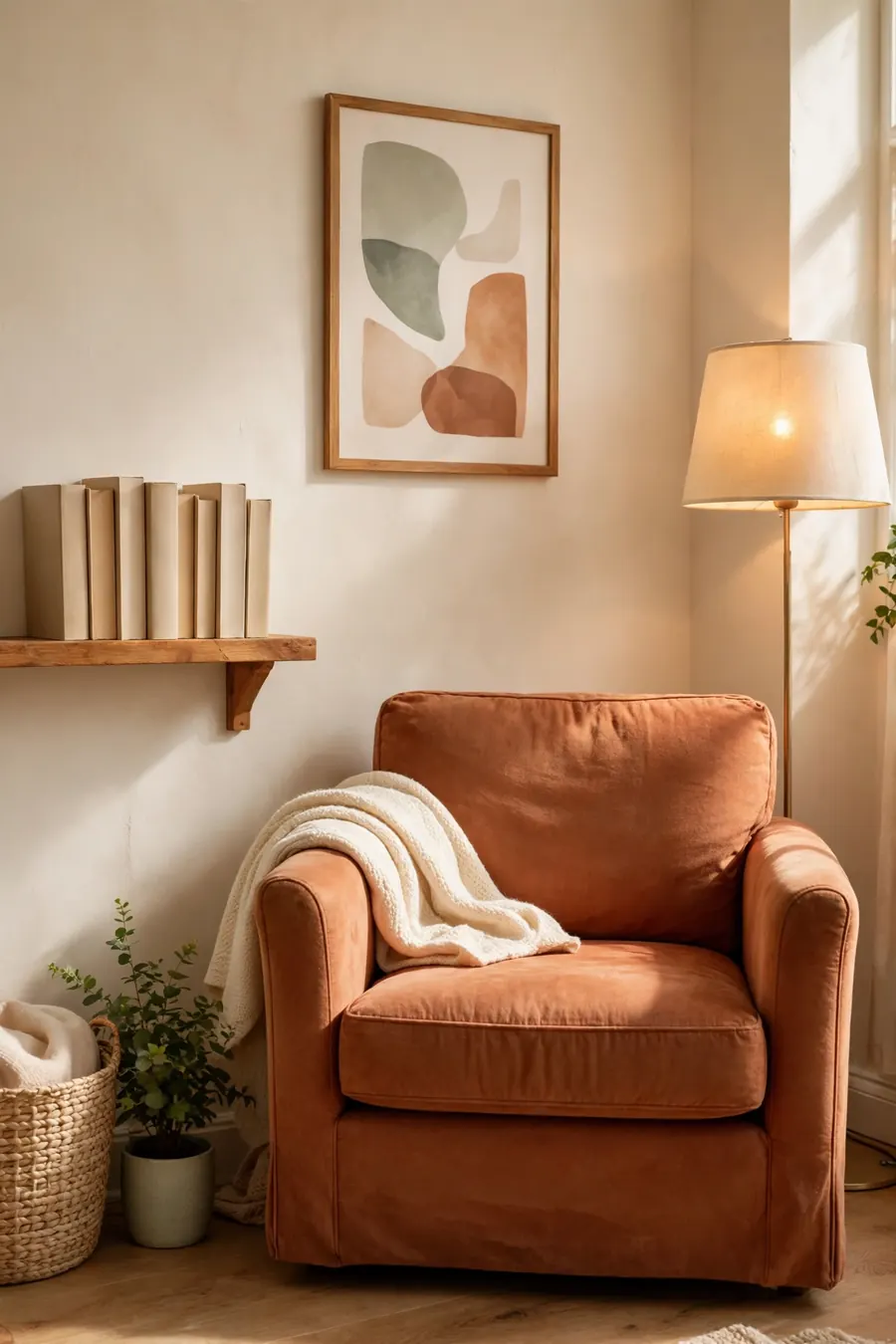
Here is where most people go wrong: they fall for a specific chair in a render and start hunting for that exact chair. Resist it. Compare the results by direction instead. Which layout idea keeps showing up? Which colour palette do you keep coming back to? What is the one furniture swap every version agrees on? Those three answers are the real output of the exercise, and they are almost always buyable cheaply.
Then hand the winning render to a chatbot and ask for words, not pictures:
List the changes in this design as a checklist, cheapest first, using secondhand or budget items.
Shop that checklist in the right order. First, your own home, because the lamp or side table the render suggests may already sit in another room. Then thrift stores and secondhand listings, cheapest first. This is the same thinking behind a cheap living room refresh: layout, light, and textiles sorted before any real money moves. Current trend roundups make good direction reading too, as long as every idea gets filtered through your checklist and budget rather than copied whole.
Before You Believe a Render: Three Checks
A little deflation is healthy here. A render that quietly deletes your radiator has solved a problem you do not have, and the corner it shows you cannot exist in your home. Run these three checks on anything a tool hands back:
- Compare it against your original photo. Windows move. Doors vanish. Radiators disappear. Anything changed without being asked tells you how freely the tool is inventing the rest.
- Measure, because nothing is to scale. A corner that fits an armchair and a bookshelf in a render may fit the armchair alone in real life. Your tape measure outranks the picture, every time.
- Ask whether the furniture exists. Generated pieces are often composites no shop sells. If you cannot find a real, buyable version at a budget price, the idea fails the only test that matters.
Judged as direction rather than decoration, all five tools earn their keep: a colour and layout plan you can carry out cheaply with what you own and what you can find secondhand.
Common Mistakes That Waste Free Credits
- Uploading the first photo you take. A dark, cluttered, angled shot burns credits on a room that barely resembles yours. Two good photos take three minutes.
- Spending a trial before the free tools. Run the same photo through the free tiers first. Trials are for sharpening a direction you already like.
- Chasing exact products. The render’s chair is a suggestion about shape and colour, not a product listing. Shop the shape, not the screenshot.
- Skipping the limits check. These free tiers change constantly, so the rule holds for every tool named here: free limits change, check the tool’s own page before you rely on them.
Frequently Asked Questions
The Corner, Decided
An awkward corner does not need a renovation or a delivery van. It needs a direction, and that is the one thing ai room design free from photo tools genuinely hand you at no cost: your own room, rearranged and recoloured, often enough that your taste becomes obvious. Start with a good photo and the constraint wording, take a clean save from Spacely AI, argue with a chatbot until the direction survives in words, then shop your own home before anywhere else. The corner will still hold a radiator. It just will not be the corner you apologise for anymore. And if the same prompt, check, and fix approach appeals to you, it works on the weekly menu too.