
AI Meal Planning on a Budget: I Let ChatGPT Plan a Week of Dinners
Five o’clock has a sound in most kitchens. It is the fridge door opening, closing, and opening again while somebody asks what is for dinner and nobody has an answer. The ingredients are probably in the house somewhere. The decision is what is missing, and making that decision every single night is its own kind of tired.
AI meal planning promises to take the decision off your plate. Hand a free chatbot one good prompt and it hands back a week of dinners and a grocery list in about a minute. This article gives you the exact prompt to paste, shows what comes back, and walks through the things that still need a human eye before you shop. That is the honest shape of it. The prompt, the output, and the fixes.
Key Takeaways
- A free chatbot can build a week of budget dinners and a sectioned grocery list in minutes. The prompt does the heavy lifting.
- Give it five things: household, budget, time limit, equipment, and foods to avoid. Vague requests get vague plans.
- Treat every price it quotes as a guess. Your store’s shelf is the only price list that counts.
- Read the grocery list against the plan before you shop. Quantities drift, and cheap proteins repeat.
- Keep the fix-it follow-ups saved. Swaps, pantry-first reworks, and single-use flags turn a decent plan into your plan.
Can AI Plan a Week of Meals on a Budget?
Yes, within limits worth knowing. The free versions of ChatGPT, Claude and Gemini can turn a household size, a budget target and a weeknight time limit into five dinners in a tidy table, then turn that table into a grocery list grouped by store section. Whether you call it ai food planning or ai menu planning, the offer is the same. What the tool cannot see is your store, its prices this week, or your family’s tastes, so treat the plan as a strong first draft. Check it, fix the weak spots, and the deciding part of dinner is done.
The Master Prompt: Copy, Paste, Fill In the Brackets
Every ai meal planning prompt that works has the same bones: household size, budget as a target, store name, a cooking time limit, equipment, foods to avoid, ingredient reuse, and one leftover night. This version pulls those pieces together. Paste it into the free version of ChatGPT, Claude or Gemini, and replace every bracket with your own details first.
Plan 5 weeknight dinners for [2 adults and 2 kids]. Our grocery budget for the week is about [$ amount] at [store name]. Weeknight cooking time is [30] minutes maximum. We have a [slow cooker / air fryer / oven and stove]. Nobody eats [foods to avoid], and one child will not eat anything spicy. Reuse ingredients across the week so nothing is bought for one meal only, and plan one leftover night. Favour budget staples: beans, lentils, eggs, rice, pasta, frozen vegetables, and whatever protein is usually cheapest. Show the plan as a table: day, dinner, cooking time, main ingredients.
Those five pieces, household, budget, time, equipment and the avoid list, are the whole trick. Leave one out and the plan fills the gap with guesses. A request with no time limit cheerfully schedules a slow roast on a Tuesday. A request with no avoid list builds the week around foods your house will not eat. Nothing here needs a subscription, either. This is ai meal planning done entirely on free tiers, though free limits change, so check the tool’s own page before you rely on them.
What AI Meal Planning Gives You Back
What comes back is a day by day table, usually within seconds: the day, the dinner, a cooking time, and the main ingredients, leaning on the cheap staples you named. Expect sensible weeknight food rather than anything fancy. Beans show up. Eggs show up. One night is marked for leftovers, which quietly saves a whole dinner’s worth of shopping.
A plan on a screen is not a shopping list, though, and the list is where the money is won or lost. Send this second prompt in the same chat:
Turn that plan into one grocery list grouped by store section: produce, meat and seafood, dairy, bakery, pantry, frozen. Combine duplicate items into one line with the total quantity for [number] people. Leave off these staples I already have: [list]. Flag anything on the list that is only used in one meal.
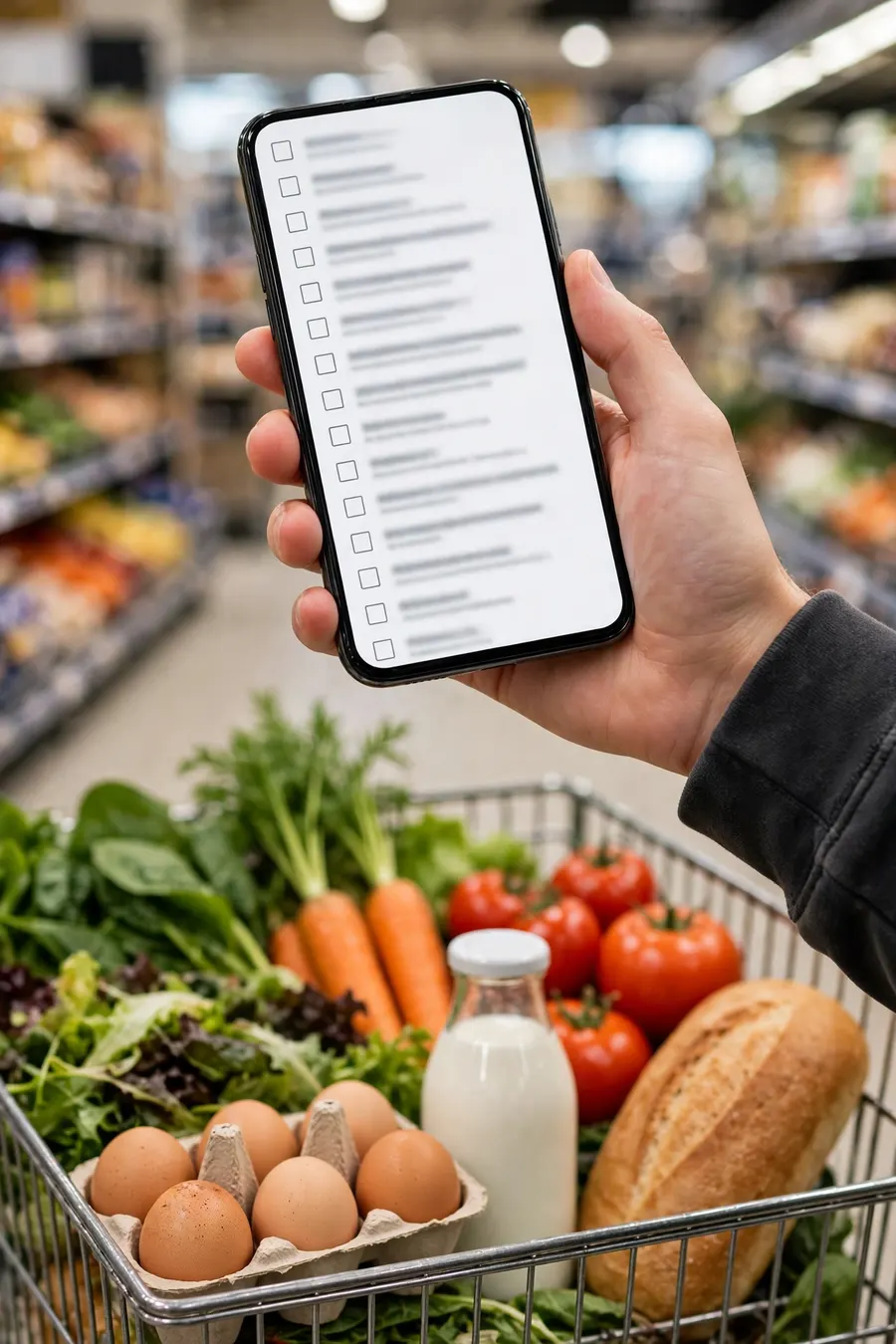
The grocery list output comes back grouped the way the store is laid out, with duplicates combined into single lines and total quantities added up. Anything used in only one meal gets flagged, which is your cue to swap that meal or accept the extra item on purpose. Shop from that list and the plan stops being a document and starts being dinner.
Three Checks Before You Shop
Three things go wrong often enough that checking them should become habit. None of them takes more than a couple of minutes.
The prices are guesses
Chatbots are good at ideas, structure and lists. They are weak on numbers, and grocery prices are the weakest numbers of all. Any total the plan quotes is an estimate built from patterns, not from your store’s shelf this week. A week that looks comfortably under budget on screen can land well over it at the till. Judge the plan by its ingredient choices instead. If the dinners lean on beans, lentils, eggs, rice and frozen vegetables, the week will be cheap at almost any store. Check the real total in your store’s app or flyer before you commit to the list.
The quantities drift
Long plans drift. The list might ask for one onion across three meals, or four cups of cheese for a single casserole. Read the list against the plan line by line before you shop. It takes two minutes, and it is the difference between a calm Wednesday and a second trip for the ingredient the plan forgot to count.
The proteins repeat
Budget prompts pull hard toward the cheapest proteins, and chicken three ways can start to feel like a lifestyle. Naming two proteins you are tired of inside the master prompt stops the loop before it starts. If the loop shows up anyway, one of the follow-ups below fixes it in a single message.
The Fix-It Prompts: Three Follow-Ups Worth Saving
Keep these three ChatGPT prompts with the master prompt. Each one fixes a problem the checks above tend to find, and each one asks for the grocery list to be updated, so the list never drifts away from the plan.
For the night that does not fit your week:
Swap [Thursday’s dinner] for something in the slow cooker, same budget, and update the grocery list.
For the protein loop:
This plan repeats chicken twice. Replace one chicken dinner with a bean or egg based dinner at the same cost and update the list.
For the fridge that is already full:
Here is what is already in my fridge: [list]. Rework the plan to use these first.
Add Your Real Constraints
Dietary filters belong in the avoid list, in plain words, every single time. The AI can plan around ingredients you name. What it cannot do is guarantee safety, so read every recipe and every label yourself, and treat the output as a draft, never as a safety check.
Picky eaters belong in the prompt too. The line about one child and spicy food is in the master prompt because vague hopes do not survive contact with a real chatbot. Swap in your own household’s rules: no mushrooms, nothing with a sauce on it, whatever the current law of your table happens to be.
Your pantry is a budget constraint that works in your favour. List what is already open or already bought wherever the prompts ask for it, and the plan builds around food you own instead of food you would end up buying twice. If you do this every week, ChatGPT Projects can hold a saved kitchen profile with your household, equipment, budget and avoid list, so the explaining happens once. It is a convenience, not a requirement. One privacy habit either way: never paste names, account numbers or addresses into a chatbot. A meal plan needs none of them.
What AI Still Cannot Do
It cannot see your store’s sales this week, the marked-down chicken, or the coupon sitting in your store app. It cannot know that your household will eat tacos twice in a week and quietly revolt at a second meatloaf. It cannot taste anything, and it cannot be trusted with allergy safety. Paid meal planning apps exist, and some will build a store cart for you, but the free chatbots already cover the deciding and the listing, which are the parts that wear people down at five o’clock. The human jobs stay human: prices, quantities, tastes, labels.
Frequently Asked Questions
Is the free version of ChatGPT enough for this?
Yes. Meal planning and list building sit comfortably inside the free tiers of ChatGPT, Claude and Gemini, and a weekly plan with a grocery list needs no subscription. Free limits do change, so if a tool ever cuts you off mid-plan, check its own page for the current allowance.
Can it plan around allergies?
It can leave out ingredients you name, and the master prompt has a place to name them. It cannot check labels or guarantee that a meal is safe. Read every recipe and every package yourself, and treat anything the AI produces as a draft, never as a safety check.
Why did it give me prices I cannot find in my store?
Because it estimates from patterns in what it has read, not from your store’s shelf. Prices, weekly totals and per-meal costs are guesses. Your store’s app, flyer or till receipt is the only price list that counts.
The Honest Bottom Line
AI meal planning works best as a division of labor. The chatbot does the deciding and the listing, the two jobs that wear a household down by Thursday. You keep the judging: real prices, real quantities, real tastes. Paste the master prompt tonight, run the three checks, fix what needs fixing with the follow-ups, and the five o’clock question has an answer waiting. Those are the honest results on offer here, and for most kitchens they are plenty.