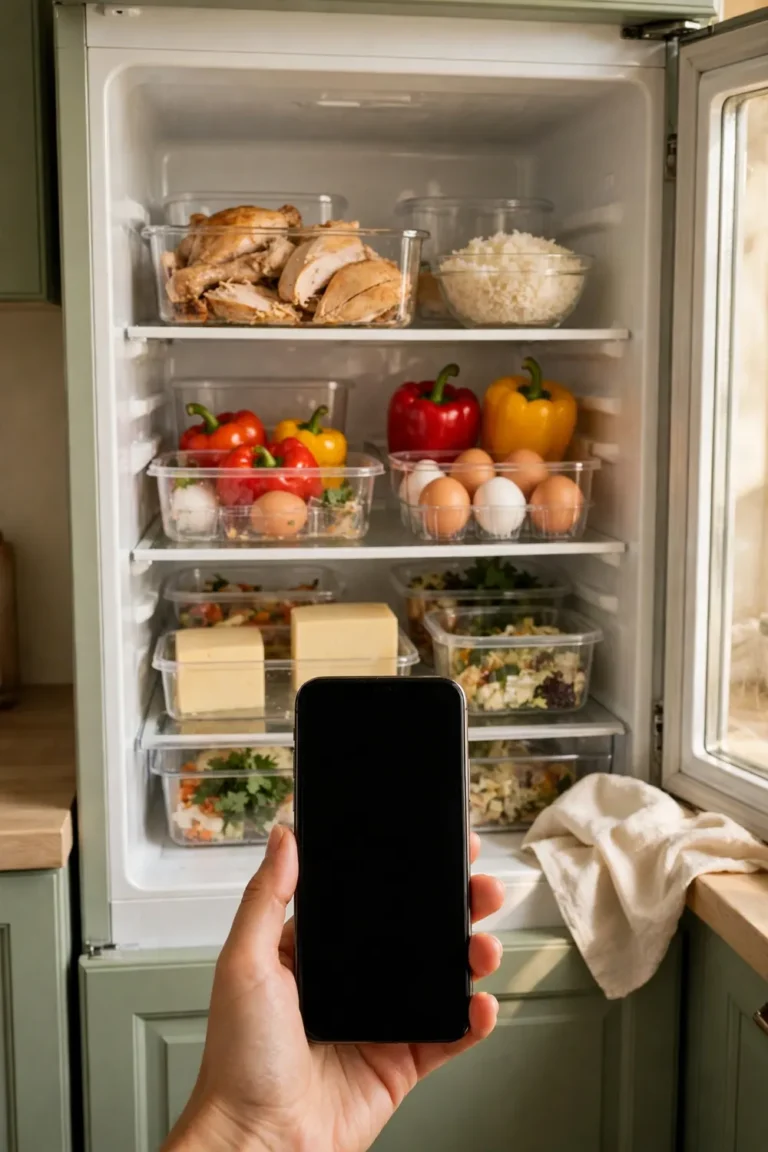

How AI Home Organization Turns a Photo of Your Junk Drawer Into a Workable Plan
Every home has that one drawer. You open it for a battery and end up staring at three mystery keys, a tangle of cables, a tape measure you forgot you owned, and something sticky you would rather not identify. The fix is not buying a fancy organizer. The fix is deciding, once, what actually belongs in there. That decision is the exhausting part, and it is exactly where ai home organization can genuinely help.
Here is the honest version of how it works. You photograph the drawer, paste in one well built prompt, and the chatbot does the boring first pass: it lists what it can see, sorts the pile into categories, and suggests zones. Then you do the part only you can do. You correct its mistakes, give it the real measurements, and tell it what you refuse to buy. What comes back is a plan you can follow in one short sitting, using boxes and lids you already own.
Key Takeaways
- One photo plus one careful prompt gets you an inventory, a list of what should leave the drawer, and a zoned plan based on containers you already have.
- Never accept the first list. Photo recognition misreads small shiny objects, so the correction step is what makes the plan trustworthy.
- The chatbot cannot judge size from a photo. Your two measurements, width and depth in inches, do the heavy lifting.
- Add the buy nothing follow up prompt, or the plan quietly turns into a shopping list for organizer trays.
- Start with one drawer, not the whole house. The same workflow then transfers to a bathroom cabinet, a pantry shelf or the entryway table.
Can AI help organize my home from photos? Yes. Upload a clear photo of one small space to a free chatbot like ChatGPT or Gemini, ask it to list everything it can identify first and wait for your corrections, then ask for a plan that divides the space into three or four zones using containers you already own, plus one rule that keeps it tidy. That photo in, plan out workflow is the whole of ai home organization for a normal household: the AI handles sorting and structure, you supply the measurements, the corrections and the final decisions.
Why the Junk Drawer Is the Right First Test
A whole room is too much for a first attempt. The photo gets cluttered, the list gets long, the plan gets vague, and you close the app feeling worse than when you started. A drawer is the training size. It has edges. Everything in it fits in one photograph. You can empty it, sort it and put it back in a single session, which means you find out whether this method suits you before you point a camera at the pantry.
There is a small emotional win hiding here too. Most organizing advice starts with a shopping trip. This method flips the order: decisions first, containers second, shopping last, and usually not at all. If the drawer stays tidy for a month with cardboard and jam jars doing the dividing, you have your answer about what you really need.
Step 1: Take a Photo the AI Can Actually Read

Stand directly above the open drawer in daylight if you can, and fill the frame with the drawer and nothing else. Blurry photos and angled shots are where misreadings multiply. Before you upload, check the edges of the shot: home photos catch mail, documents and addresses sitting on the counter nearby. Crop tight to the drawer.
While the drawer is open, measure it. Width and depth, in inches, written down. It takes twenty seconds and it is the most useful number in the whole process, because no chatbot can work out real size from a picture. A plan built on guessed dimensions will suggest dividers that do not fit.
Step 2: Paste Prompt 1, the Photo Plan
This is the core prompt. Copy it as it stands and fill in your measurements in the brackets.
I am uploading a photo of my junk drawer. First, list everything you can identify, grouped into rough categories. Tell me anything you are unsure about. Then suggest: (a) what should leave the drawer entirely (and where it should live instead), (b) how to divide the drawer into three or four zones using only small boxes, lids, or containers a home usually already has, (c) the one rule that keeps this drawer tidy. My drawer measures [width x depth in inches]. Wait for my corrections to your list before the final plan.
What you get back
Expect two things. First, an inventory attempt, grouped into rough categories like tools, batteries, cables and paper bits. It will be surprisingly decent. Second, once you have corrected it, a zoning suggestion: which group gets which corner, what should leave entirely, and one simple rule, usually some version of one category per zone and nothing homeless goes back in.
What to check before you follow any of it
The list is good enough to correct, not good enough to trust blind. Photo recognition misidentifies things. A cable becomes a charger that does not exist. Small shiny objects, coins, screws, spare buttons, get skipped or merged into each other. Fix the inventory in plain words: that is not a phone charger, it is the cable for the drill. The plan improves sharply after that correction, because every zone is built on the list.
Check the plan against your measurements too. If it proposes a long box running the wrong way in a shallow drawer, send it back with the measurements repeated. The AI never knew the size until you insist on it.
Step 3: Paste Prompt 2, the Buy Nothing Rule

Left to itself, the chatbot will suggest buying an organizer tray set first and sorting second. That is the internet talking, not your budget. This follow up prompt is the fix, and it usually produces the more creative plan anyway.
Redo that plan with a strict rule: I buy nothing. Use only containers, boxes, jars, or trays I am likely to already own. If a zone truly needs a divider, suggest how to make one from cardboard.
Suddenly the plan starts raiding your recycling in a good way. A phone box becomes the battery corral. A jar lid becomes the tray for screws and picture hooks. A cut down cereal box becomes the divider between cables and tools. Live with the free version for a month. If one zone keeps collapsing, that is the one divider worth buying later, and you will know its exact size.
Step 4: Paste Prompt 3, the One Month Reset
A plan without a maintenance habit lasts about two weeks. This mini prompt turns the finished plan into a checklist you can stick inside a cupboard door.
Turn this drawer plan into a one-month reset checklist: a five-minute weekly tidy, what to check, and the three things most likely to creep back in and where they should go instead. Plain text with tick boxes.
Five minutes a week sounds too small to matter, but the drawer does not fail all at once. It fails one homeless object at a time, and the weekly tidy catches those objects while there are still only three of them.
What a Finished Plan Looks Like: A Sample Drawer Plan

So you know the shape of what you are asking for, here is an example of the format to expect, written as a plan for a typical junk drawer. Treat it as a template for yours, not as a promise about your drawer.
The drawer: a standard kitchen junk drawer, contents sorted into four groups after corrections: everyday tools, batteries and bulbs, cables, and household bits like tape, glue and picture hooks.
What leaves the drawer: mystery keys move to an envelope near the door until they are identified or binned. Chargers for devices nobody owns go to the electronics recycling box. Coupons and takeaway menus go to recycling, because the drawer is not a filing system.
The zones:
- Front left, everyday tools. Scissors, tape measure, a pen, a small screwdriver, in a shallow box you already have. The things reached for weekly sit nearest the opening.
- Front right, household bits. Tape, glue, picture hooks, a few screws in a jar lid. Small and easy to lose, so this zone gets hard edges.
- Back left, batteries and bulbs. Standing in a small box so sizes stay visible. Dead batteries go in a separate tiny jar, and the jar leaves the house when it is full.
- Back right, cables. Each cable looped and held with a twist tie or hair elastic, nothing loose. A cable with no known device goes in the maybe box for one month, then out.
The one rule: nothing enters the drawer without a zone. If it has no zone, it does not live here. That single sentence does more than any divider you could buy, because the drawer was never short of space. It was short of decisions.
Taking the Same Workflow to Bigger Spaces
Once one drawer has survived its month, the workflow transfers almost word for word. A bathroom cabinet gets the same treatment: photo, inventory, corrections, zones for daily items and the back row of spares, one rule. A pantry shelf adds one twist, asking what should leave based on duplicates rather than tidiness. The entryway table usually needs only two zones and a rule about mail being opened the same day.
Resist the urge to photograph the whole kitchen on day two. Each small finished space teaches you where the chatbot guesses wrong and which of your corrections matter most. By the third or fourth space, your home has a string of small, finished, staying tidy spots instead of one grand plan that stalled in week one.
Common Mistakes
- Skipping the correction step. The first inventory will contain at least one confident mistake, and every zone built on it inherits the error.
- Forgetting the measurements. A photo carries no scale. Without your two numbers, expect dividers that do not fit.
- Accepting the shopping list. The default plan wants you to buy trays. Run the buy nothing prompt first and let a month of real use say what deserves money.
- Photographing the whole room at once. Too many objects, too many guesses, too vague a plan. One drawer, one shelf, one cabinet at a time.
- Uploading an uncropped photo. Mail, documents and addresses wander into frame at the edges. Crop to the space first.
- Treating the plan as final. Your corrections and your renter limits, no drilling, no removing doors, landlord rules, always outrank its suggestions. Say those limits in a follow up prompt and make it redo the plan inside them.
Frequently Asked Questions
Conclusion
AI home organization is not magic, and it is not a robot coming to tidy your house. It is a patient sorting partner that works from one honest photograph, as long as you give it the three things it cannot supply itself: corrected facts, real measurements and your limits. Start with the drawer that annoys you most. One photo, three prompts, a handful of boxes you already own, and one rule you actually keep. That is a plan you can finish this week, and a tidy drawer you get to feel smug about every single day after.