How a ChatGPT Grocery List Prompt Turns Your Meal Plan Into a Strict Shopping List
Most grocery overspending does not happen at the planning stage. It happens in the aisle, one small maybe at a time. The interesting sauce. The weekend snack. The extra cheese sitting by the till looking reasonable. Plenty of households go in for milk and come out carrying forty dollars of maybes, and none of it was ever part of a meal.
The fix is not more willpower in the store. It is a list with a spine, one where every line exists because a planned meal needs it. A good ChatGPT grocery list prompt builds that spine. The five prompts below turn any meal plan, whether an AI made it or you wrote it in a notebook, into a strict sectioned list, and then audit that list before you spend anything.
Key Takeaways
- A list built straight from your meal plan leaves no room for maybe items, because every line has a meal behind it.
- The first prompt does five jobs at once: store sections, a quantity on every item, duplicates merged, pantry staples left off, and single use items starred.
- A second prompt audits the list and flags waste, over-buying, and missing ingredients before you leave home.
- ChatGPT cannot see your store’s live prices or this week’s sales, so give it a budget as a target and paste the sale items in yourself.
- All five prompts run on the free version, and free limits change, so check the tool’s own page before you rely on them.
What Prompt Should I Use to Make ChatGPT Build My Grocery List?
Paste your meal plan into ChatGPT with five rules attached: group the list by store section, put a quantity on every item, combine duplicates across meals, leave off the pantry staples you name, and star anything that is used in only one meal. That one prompt turns a plan into a list you can shop in a single pass. Follow it with a short audit prompt that checks the list against the plan, and most impulse buys argue themselves off the page before you reach the store.
First the Plan, Then the List
The order matters. A grocery list is just a meal plan translated into store order, so the plan has to come first, even if the plan is five dinners scribbled on the back of an envelope. When the list is built from the plan, every item has a job. When it is built from memory in the parking lot, every aisle becomes a suggestion.
That is also where impulse control actually lives. It is not a personality trait. It is a set of rules pasted into a prompt: quantities on everything, duplicates merged into one line, your pantry left off, and single use items starred so you can see them coming. From there, the habit is simple. You shop the output, not the aisles. And if browsing in the store is where your budget leaks, build a pickup order from the final list instead, and the aisles disappear entirely.
Five ChatGPT Grocery List Prompts, in the Order to Run Them
Run them in order, in the same chat, so each prompt can see the plan and the list that came before it.
Prompt 1: Turn the Plan Into a Sectioned List
Turn this meal plan into a grocery list. Meal plan: [paste plan]. People: [number]. Dietary notes: [notes]. Pantry staples I already have and must NOT appear on the list: [list]. Rules: group everything by store section (produce, dairy, meat and seafood, pantry, frozen, bakery); give a quantity for every item; combine duplicates across meals; if an item is used in only one meal, mark it with a star.
What comes back: one list grouped by store section, with a quantity on every line and duplicates merged, so the onions for three dinners appear once, at the total amount. Your named staples are missing on purpose, and anything bought for a single meal carries a star.
Check: read the quantities against the plan, because quantities on long lists drift in both directions.
Prompt 2: Audit the List Before You Shop
Check this grocery list against the meal plan above. List anything that is not used in any meal. List anything I am probably over-buying, where the pack size is much bigger than the meals need. List any meal that is missing an ingredient. Do not add anything new.
What comes back: three short lists. Items no meal uses, items you are probably over-buying, and meals that are missing an ingredient. Because the prompt forbids additions, the list only shrinks or gets corrected.
Check: the starred single use items from Prompt 1 are where impulse spending hides, so decide on each one on purpose rather than by default.
Prompt 3: Ask for Three Cheaper Swaps
Suggest three swaps on this list that cut cost without changing the meals’ flavour much: one cheaper protein swap, one frozen-for-fresh swap where it does not matter, and one store-brand swap. Keep everything else identical.
What comes back: exactly three swaps, one protein, one frozen for fresh where the meal will not notice, and one store brand, with the rest of the list untouched.
Check: it does not know your store’s prices, so treat the swaps as ideas and judge each one at the shelf.
Prompt 4: Build the Skip This Week List
From this list, make a “skip this week” list: items I already have enough of at home, items that can wait because no meal this week needs them, and treats that are not part of any meal. Be strict.
What comes back: a strict skip list in three groups, the things your cupboards already hold, the things that can wait a week, and the treats that belong to no meal at all.
Check: run this in the same chat as Prompt 1, where your pantry list already lives, because it can only skip what it knows you have.
Prompt 5: Rebuild the List in Your Store’s Order
Rewrite the final list in the order of my store’s layout: [entrance produce, then bakery, then meat, then dairy along the back, then pantry aisles, frozen last]. One item per line with quantities, nothing else, so I can tick items off as I walk.
What comes back: the final list in walking order, one item per line with its quantity and nothing extra, ready to tick off as you move through the store. Frozen comes last on purpose, so it spends the least time in the trolley.
Check: if your store’s layout differs from the example order, paste your real one, because the prompt follows whatever sequence you give it.
Four Checks Before You Trust the List

Prices and sales are guesses. ChatGPT cannot see your store’s shelves or this week’s flyer. Using ChatGPT for grocery list building works best when the budget goes in as a target and the sale items come from you. Judge the result by the total in your cart, never by a number the chat offers.
Quantities drift. On a long list it can ask for one onion across three meals, or far too much of something perishable. Read the list against the plan line by line at the kitchen counter. It takes two minutes and saves a second trip.
It lists things you already own. Skip the pantry part of Prompt 1 and you will buy rice, oil, and spices you bought last month. Keep a standing pantry list in a note on your phone and paste it in every single time.
Brands and pack sizes are invented. If the list names a brand or a specific pack size, ignore the brand and keep the item. Buy the size your household actually finishes.
Make the Prompts Yours
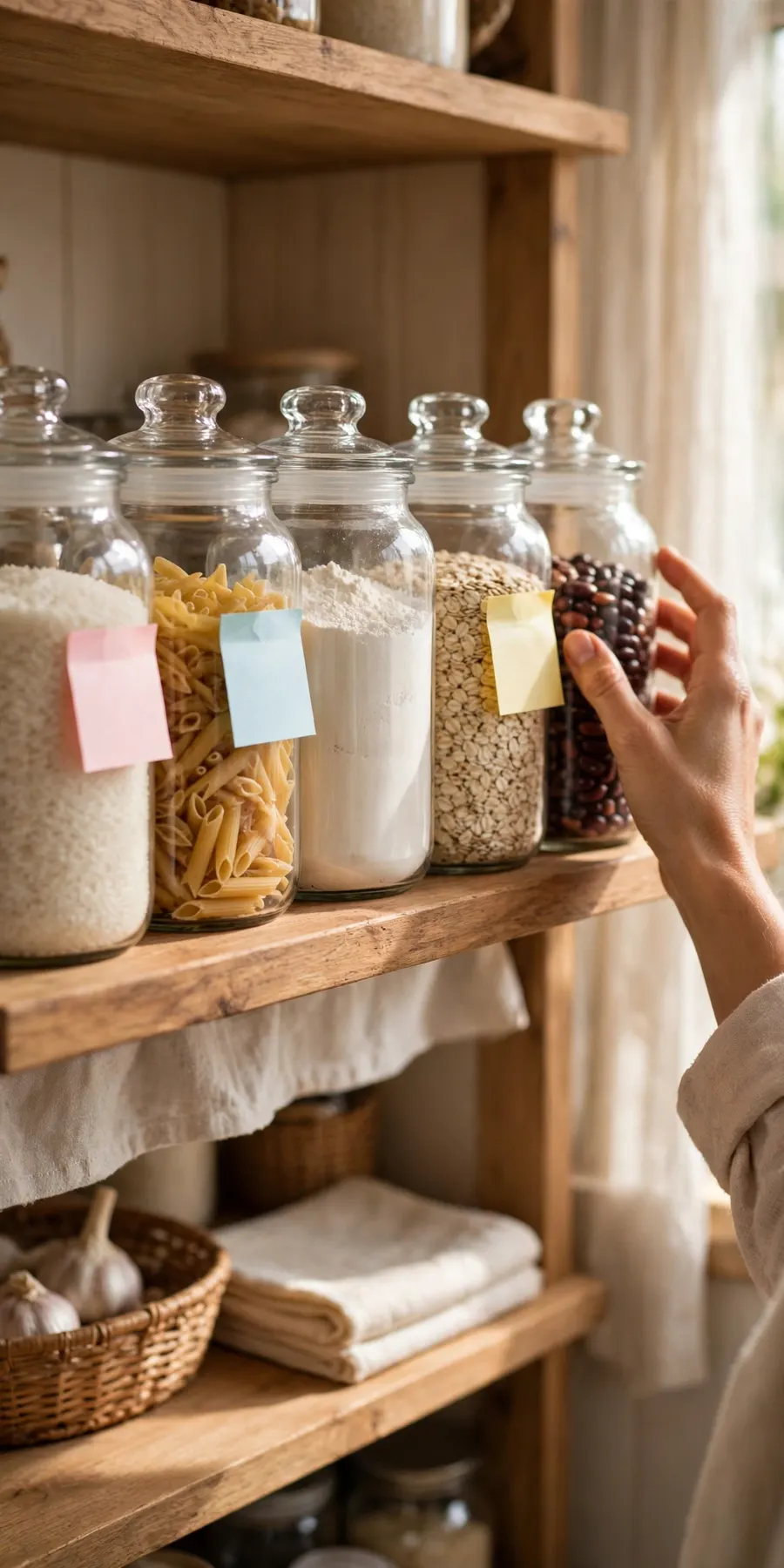
Three small additions turn these from generic prompts into your prompts. First, paste your store’s sale flyer items at the top of Prompt 1 with a line like “build the list around these sale items where the meals allow,” because the chat cannot know what is on offer this week unless you tell it. Second, keep your pantry list saved and paste it every time, since the pantry check is what stops the quiet duplicate buying. Third, name your budget cap plainly in the chat as a target, and give Prompt 5 your real store layout once, then reuse the same chat each week so the context carries over.
Everything here runs on the free version of ChatGPT, and the same prompts work in the free tiers of Claude and Gemini if you prefer them as your ai grocery list maker. Free limits change, so check the tool’s own page before you rely on them.
Frequently Asked Questions
Can ChatGPT make a list from my own meal plan, not an AI one?
Yes. Prompt 1 takes any plan you paste, including one you wrote yourself in a notebook or on the back of an envelope. Where the plan came from does not matter. The rules in the prompt do the work.
Should I give it my budget?
Yes, as a target. A number shapes the swaps it suggests and the proteins it leans on. Just remember that its price estimates are guesses, so the honest check is the cart total at your store, not the estimate in the chat.
What if it leaves something off the list?
That is what the audit is for. Run Prompt 2 before every shop until the routine feels automatic. It catches missing meal ingredients as reliably as it catches waste, and it takes under a minute.
A List With a Spine
A strict list sounds like a small thing until the first shop where nothing extra lands in the trolley and the total at the till looks like the plan said it would. The plan decides the meals. The list decides the money. Start this week with the meal plan you already have, run it through the first ChatGPT grocery list prompt on this page, then let the audit have its say. The maybes can stay on the shelf, where they cost nothing.