How to Use AI to Declutter Your Home, One Small Zone at a Time
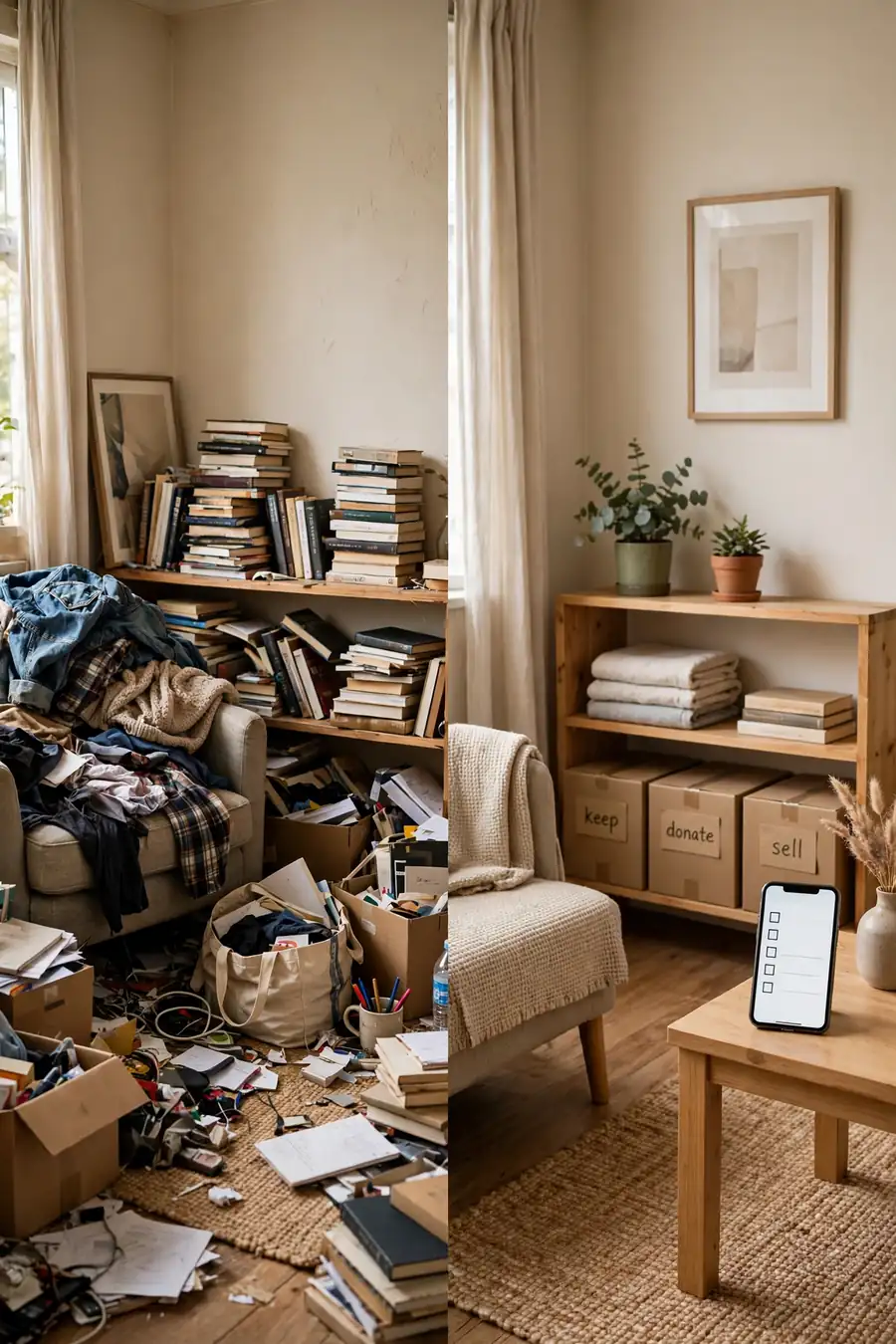
You know the corner. The chair with the clothes. The shelf with the books you will read one day. The box you keep stepping around. Most of us have stood in front of it after a long day, tired, and thought the same thing. Where do I even start?
Here is the part nobody tells you. Starting is not the hard part. Deciding is. Pick up an item, and your brain has to answer five questions at once. Keep it? Give it away? Sell it? Where does it live? What if I need it later? No wonder the chair wins.
That is the job AI is actually good at. Not magic. Just a patient helper that turns one messy zone into a short list of small decisions. Photograph one spot. Give it your rules. Let it hand you a plan. You still decide. You still lift the bags. But the thinking gets lighter.
One warning first, and it matters. Do not upload photos showing private documents: mail, IDs, financial papers, or children’s school records. Move them out of the shot before you take the photo. The steps below show you how.
A Plan From a Single Photo
- How to use AI to declutter your home starts with one zone, not the whole house: one shelf, one drawer, one corner.
- Photograph the zone from the doorway, then write down your keep, donate and sell rules before you ask for anything.
- Never upload a photo that shows mail, IDs, financial papers or children’s school records. Move private papers out of the shot first.
- Ask for a room by room weekend plan with a time limit, and for three lists: keep, donate and sell, with one line of why for each group.
- Let AI draft your selling listings, then check every measurement and condition detail yourself before you post.
The Short Answer: One Photo, One Zone, One Plan
To use AI to declutter your home, photograph one zone at a time, move any private documents out of the shot, and paste a prompt that gives the tool your room, your time, your keep, donate and sell rules, and your hard keeps. Ask it for three lists, a tidy order that fits your time, and a room by room weekend plan. Then work the plan zone by zone, correct anything it gets wrong, and let it draft selling listings from the measurements and condition details you supply.
The 10-Second Check: Anything Private in the Frame?
Three quick questions, answered honestly, and you will know exactly where tonight stands.
Check 1: Can you see the floor in this zone? If the floor is covered, start here, not in the cupboard. Clear floor space is the fastest win in a small home, and it makes every other step easier.
Check 2: Do you have 20 minutes, or a whole evening? Be honest. Twenty minutes means one shelf. A whole evening means one room. The plan below fits both, but only if you tell the tool the truth about your time.
Check 3: Is anything private in the frame? Look for mail, IDs, bank papers, prescriptions and school records. If you can read a name or an address in the photo, move it first. No plan is worth an upload you will regret.
Level 1: Free, Your Phone and a Free Chatbot
[Cost: Free | Time: 20 minutes for one zone]
Level 1 costs nothing at all. Just your phone, a free chatbot, and the bags you already own. No new app. No new system. Just a photo, a few honest rules, and a timer.
1. Clear the shot before you take it. Walk to the zone and look at it like a stranger would. Pick up any mail, IDs, bank papers, prescriptions and school records and put them in a closed drawer. Turn over any label with a name or address on it. This takes two minutes and it is the most important step in the whole article. A photo shares everything visible in the frame, not only the clutter you meant to ask about.
2. Photograph one zone, three ways. Stand in the doorway and take one wide photo. Step into the corner and take a second. Take a third of the main surface, the shelf or counter where the mess gathers. Three photos, same zone, no tidying first. The tool needs to see the real mess, not the version you wish you had.
3. Write your rules before you paste anything. Open a note and write three lines. Keep: what I used in the last 6 months, need for a known occasion, or would replace if it disappeared. Donate: useful and safe for another person, but I have no plan to use it. Sell: worth the photos, messages, packing and collection. Add your hard keeps in one more line: the sentimental pieces, the work tools, the things you already promised someone. Rules first. Guessing later is how good things leave by mistake.

4. Paste the room by room prompt. Copy this into any free chatbot, fill in the brackets, and attach your three photos. “Create a decluttering plan for [room and zone]. The main problem is [problem]. I have [20 minutes / one evening]. Sort what you see into Keep, Donate and Sell using my rules: [paste your rules]. My hard keeps are [list]. Use only the items you can see. Do not invent items or prices. Give me a tidy order that fits my time, and one small area I can finish first.” Read the answer like a draft, not a verdict. Cross out what is wrong. Tell it what it missed. The second version is usually the useful one.
5. Ask for the weekend plan, in four small weekends. Once the first zone works, send this follow up. “Turn this into a room by room plan for four weekends. Weekend 1: entry and living spaces. Weekend 2: kitchen. Weekend 3: bedroom and closet. Weekend 4: bathroom and paperwork. Each weekend is 90 minutes with a 10 minute reset at the end. Order the rooms by impact, and give me one quick win per weekend.” Pin that plan to the fridge. A plan on paper beats a brilliant plan sitting in an app you forget to open.
| Weekend | Room | Quick win |
|---|---|---|
| Weekend 1 | Entry and living spaces | Clear the floor and the chair |
| Weekend 2 | Kitchen | One shelf of duplicates out |
| Weekend 3 | Bedroom and closet | One rail sorted, keep, donate, sell |
| Weekend 4 | Bathroom and paperwork | One drawer, papers sorted by hand |
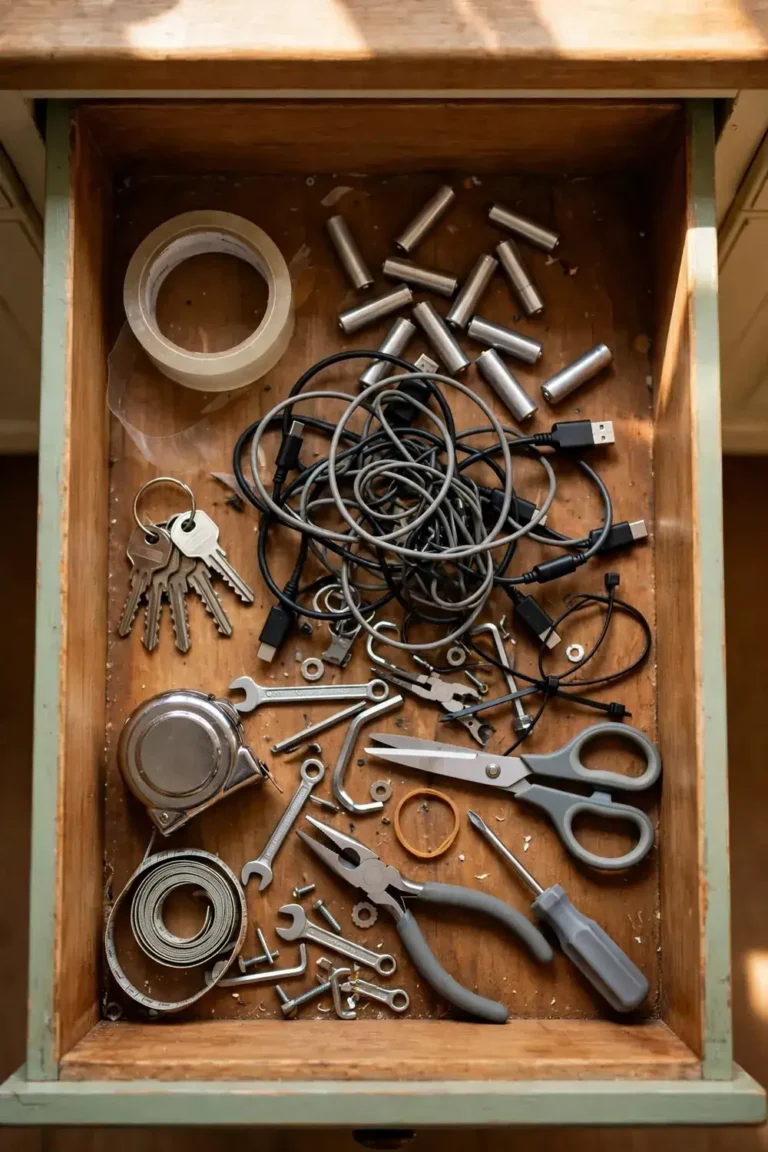
If photo prompts are new to you, the photo plan for one junk drawer on this site shows the same idea on a single drawer, with the checks that stop the tool inventing storage you do not own.
Level 2: Dollar-Store and Thrift, Bags, Tape, Labels
[Cost: Dollar-store level | Time: 30 minutes for one zone, plus one short trip]
Level 2 is one short trip. Not a shopping spree. Just the humble kit that turns a plan into bags by the door.
1. Buy the kit in one short trip. Pick up three large bags, one roll of tape, one thick marker, and a pack of plain labels. That is the whole kit. Label the bags Keep, Donate and Sell before you start, and keep a fourth bag for recycling. A labelled bag is a decision you have already made. An unlabelled pile is a decision you keep remaking.
2. Sort in the open, one item at a time. Set a timer for 20 minutes. Pick up one item. Ask the five questions from the plan: What is it? When did I last use it? Do I own another version? Would I pay to move it? Is there a legal, sentimental or safety reason to keep it? Answer fast, bag it, move on. If an item takes more than a minute to decide, it goes in a small not sure yet box, and you decide on it at the end, not in the middle.
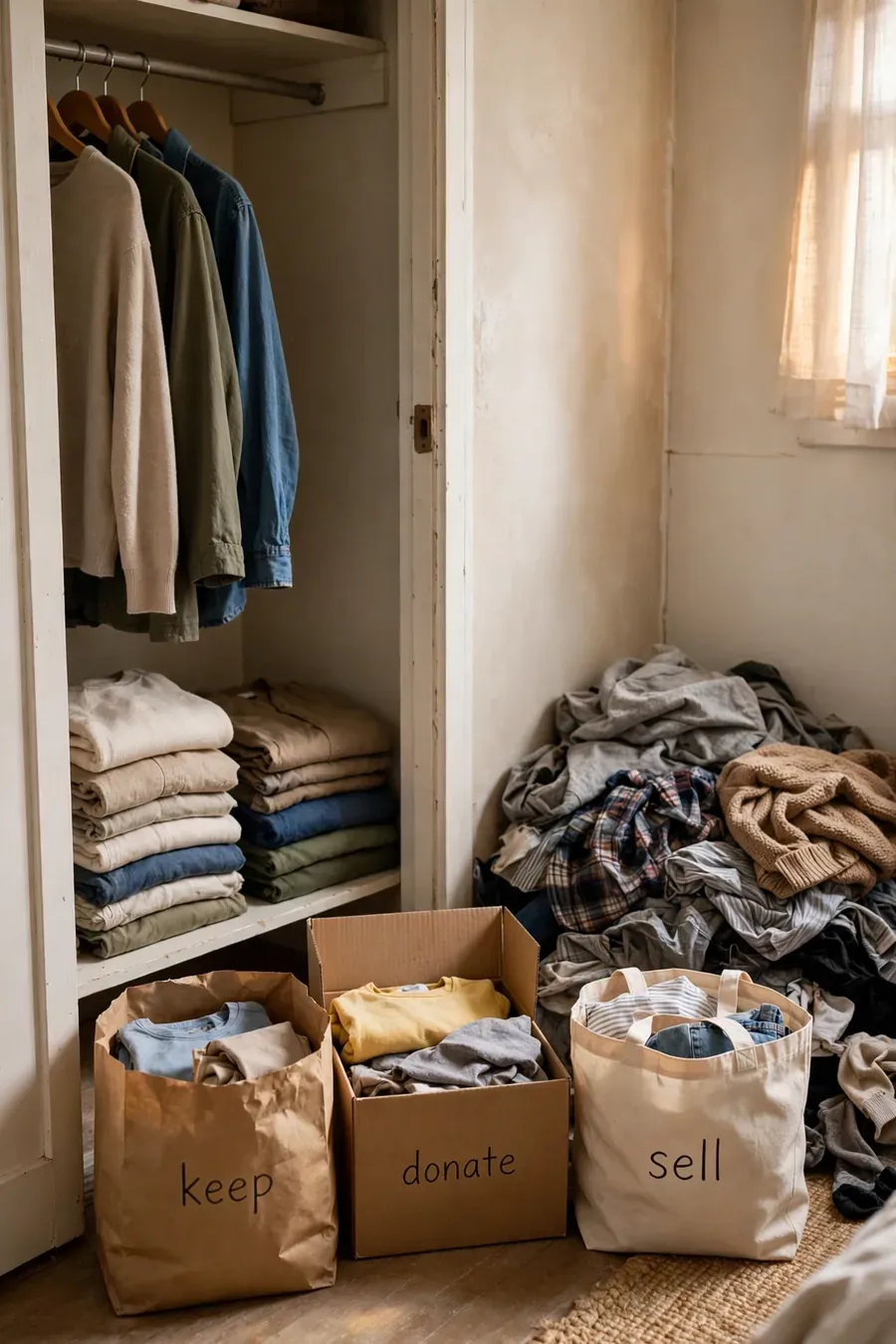
3. Ask for a tidy order for the bags. Paste this follow up with your list of what is in each bag. “Here is what is in my Keep, Donate and Sell bags: [list]. Give me a 60 to 90 minute tidy order: what to bag first, where the bags go, what to wipe last. Add a short donation drop off checklist of what to confirm before I leave. Flag anything that might be hazardous, archival or high value so I can check it offline. Do not tell me to throw legal papers, medicines or batteries in the trash.” Then do the order, in order. Tidy orders work because they remove the next decision, not because they are clever.
4. Move the bags the same day. Put the donate bag by the door, not back in the cupboard. Put the sell box where you can see it. A bag that sits by the door for a week quietly walks back into the cupboard. A bag that leaves today stays gone. Take a photo of the empty shelf before you sit down. That small before and after is the fuel for next weekend.
Level 3: One Small Buy, Three Matching Open Bins
[Cost: One small buy | Time: 45 minutes for one room]
Level 3 is one small buy, and only one. A set of three matching open top bins, one for keep, one for donate, one for sell, that lives where the clutter lands. Not a whole system. Just three honest boxes that make the next sort faster than this one.
1. Measure first, then buy once. Measure the shelf or the floor spot where the bins will live, and tell the chatbot the measurements before you shop. “My shelf is [width] by [depth]. I need three open top bins that fit side by side, with room to lift one out. Suggest sizes that fit, and warn me if a size would waste space.” A bin that does not fit is not storage. It is clutter with a receipt.
2. Give every kept item a home, in writing. Ask for a storage plan for what stays. “Here is what I kept in [room]: [list]. The space has [shelf, drawer, cupboard]. Suggest zones, categories and plain word labels, using what I already own first. Keep it easy to maintain.” Write the labels by hand and stick them on. A label is a promise to future tired you, and future tired you will be grateful.
3. Draft the selling listings from facts, not memory. Pick one item from the sell bin. Measure it. Note the brand or maker if you know it, the condition, the included parts, and whether the buyer collects it or you deliver it. Then paste this. “Draft a short selling listing from these facts only: [item, measurements, condition, parts, collection or delivery]. Do not invent a price, a brand or a condition detail. Keep it short and factual.” Check every line before you post it. The tool cannot see the scratch on the base or measure your lamp. You can.
4. Set the maintenance rule, then stop. Ask for one rule that keeps the room from sliding back. “Give me one maintenance rule for incoming items in [room], in one sentence, that fits a tired evening.” Write it on the printable. Then stop for the day. Decluttering works in small finished sessions, not in heroic weekends.
The Swap Table: Sort by Rules, Not by Mood
| The expensive way | The thrifty swap, same result |
|---|---|
| A professional organizer for the whole house at once | One free chatbot, one zone, and your own rules |
| A new storage system bought before anything leaves | Three labelled bags, then one small buy that fits |
| Tackling every room in one exhausting weekend | Four weekends, one room each, 90 minutes at a time |
| Guessing prices for everything you might sell | Listings drafted from your measurements, checked by you |
| Uploading room photos with mail and papers in the frame | Private documents moved first, then three clean photos |
| Keeping the maybe pile because deciding feels hard | Five quick questions, one minute per item, then the bag |
AI Decluttering Questions, Answered
Can AI really help me declutter my home?
Yes, for the planning and deciding parts. A free chatbot can look at a photo of one zone, name the visible piles, and turn your keep, donate and sell rules into a step by step plan with a time limit. It cannot decide what a keepsake means to you, and it cannot carry a bag out of the door. You make the final call on every item, and you do the lifting. The help is real, and so is the limit.
How do I use AI to declutter room by room?
Work one room at a time, and one zone inside that room. Photograph the zone, paste the room by room prompt from Level 1, and ask for a plan that fits the minutes you actually have. Finish that zone, then move on. A four weekend plan works well: entry and living spaces first, then the kitchen, then the bedroom and closet, then the bathroom and paperwork. Small zones first, whole rooms second.
What should I not upload to AI when I declutter?
Do not upload photos showing private documents: mail, IDs, financial papers, or children’s school records. Move mail, IDs, pill bottles and anything with a name or address out of the shot first, and blur faces and labels if they slip in. If a photo would show private papers, describe the zone in words instead. Uploads go to the provider’s servers and may be kept in logs, so treat every photo like a message to a company, not a private note to yourself.
What is the best prompt to sort keep, donate and sell?
The best prompt gives the tool your room, your time, your rules and your hard keeps, then asks for three lists and a tidy order. Use this: “Sort this zone into Keep, Donate and Sell. Keep only what I used in the last 6 months, need for a known occasion, or would replace if it disappeared. Donate what is useful and safe for another person but I have no plan to use. Sell only what is worth the photos, messages and packing. Use only the items I list. Do not invent prices or items. Give me a 60 minute tidy order.” Then correct anything it gets wrong.
Can AI help me sell the things I declutter?
Yes, for the writing part. Ask it to draft a short title and a factual description from the details you give it: the item, the brand or maker if known, the measurements, the condition, the included parts, and whether the buyer collects it or you deliver it. Photograph the item in natural light on a clear background. Then check every measurement and condition detail yourself before you post it, because the tool cannot measure your lamp or see the scratch on its base.
Zone by Zone, on Paper: My AI Declutter Plan
This article comes with a free one-page printable, “My AI Declutter Plan.” It has four parts:
- The privacy check: mail, IDs, financial papers and school records out of the shot before any photo.
- Your keep, donate and sell rules, written in your own words, with your hard keeps listed.
- The four weekend plan: entry and living spaces, kitchen, bedroom and closet, bathroom and paperwork, with a quick win per weekend.
- A listing draft box: item, measurements, condition, included parts, and collection or delivery, ready to copy into a listing.
Today’s One Small Job: Pick One Zone, Take the Photos
Today, do only one thing. Pick one zone, the chair or the shelf, and move the private papers out of the shot. Take the three photos. Paste the room by room prompt. That is the whole job. Twenty minutes, and you will have a plan and a room that already feels lighter. And once the things are gone, the next job is keeping the room that way, so the ai cleaning schedule on this site is the natural next step: a short daily reset that holds the calm you just made.